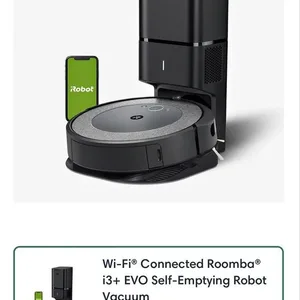
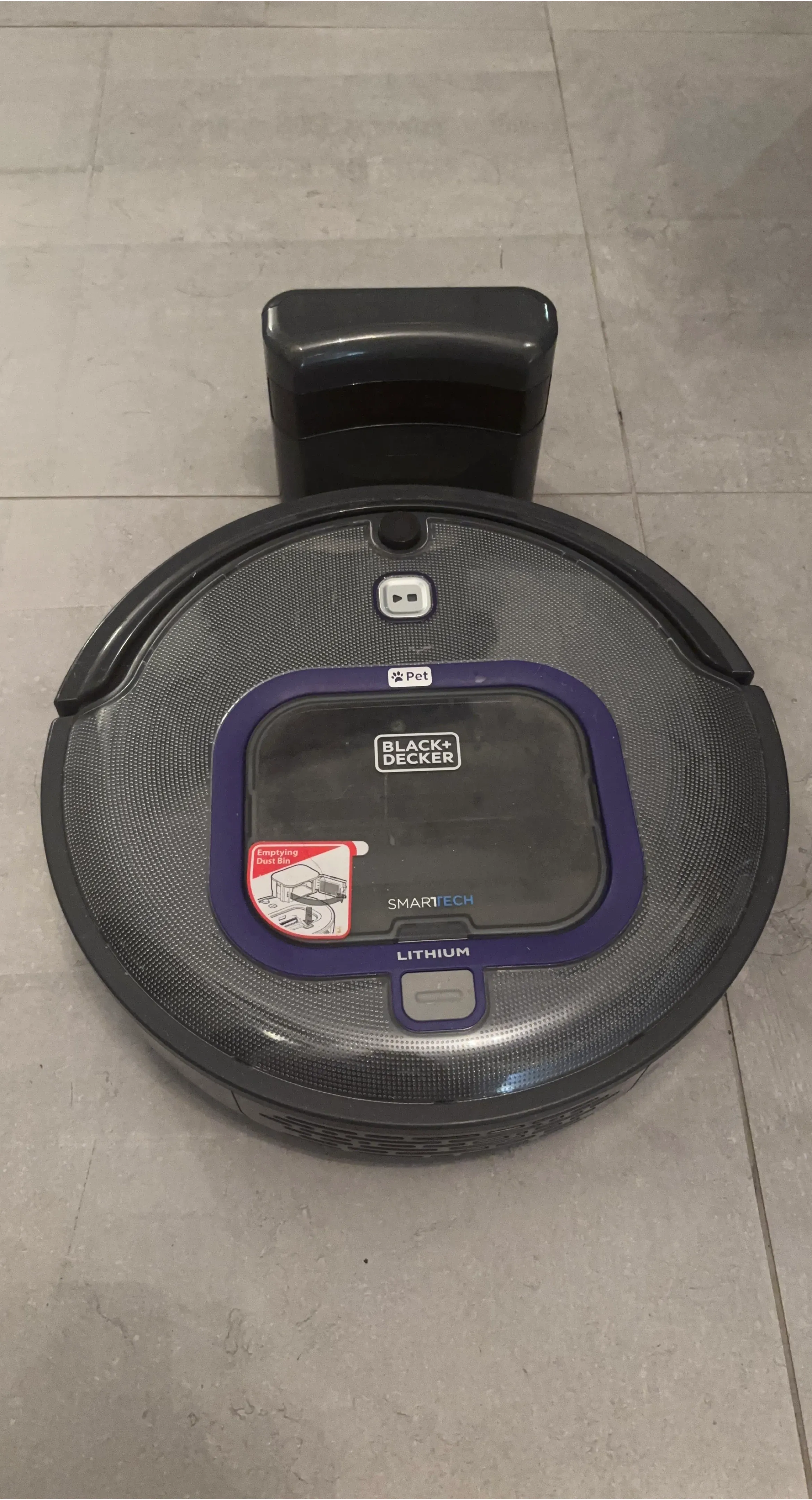
iRobot Roomba 671
$50
Core Button Interface CLEAN / Power Button: Located in the very center. Press once to wake the Roomba up from standby mode, press a second time to start a standard cleaning cycle, or press it mid-clean to pause. SPOT Clean Button: The text arc above the central wheel activates Spot Clean mode. When pressed, the vacuum spirals outwards in a 3-foot radius and back inward to deeply clean a concentrated messy area. DOCK Button: The text arc below the central wheel commands the robot to end its current cleaning run and navigate back onto its Home Base charging dock. Basic Maintenance & IndicatorsWi-Fi Connectivity: The model connects directly to your smartphone via the iRobot HOME App. The app lets you build cleaning schedules, track job histories, and receive maintenance reminders. Dust Bin Removal: Press down on the small circular button located near the bottom edge of the gray outer bumper ring to unlatch and slide out the rear AeroVac dust bin. System Reboot: If your vacuum freezes or suffers a software glitch, remove it from the charging dock and press and hold down both the SPOT and DOCK buttons simultaneously for 10 seconds until all indicator lights turn off to force a full hard reboot. Condition: Used - Good


0 chats0 favorites2 views